
Performance and longevity
Mac Upgrades
Explore whether an upgrade can give your existing Mac more useful life.
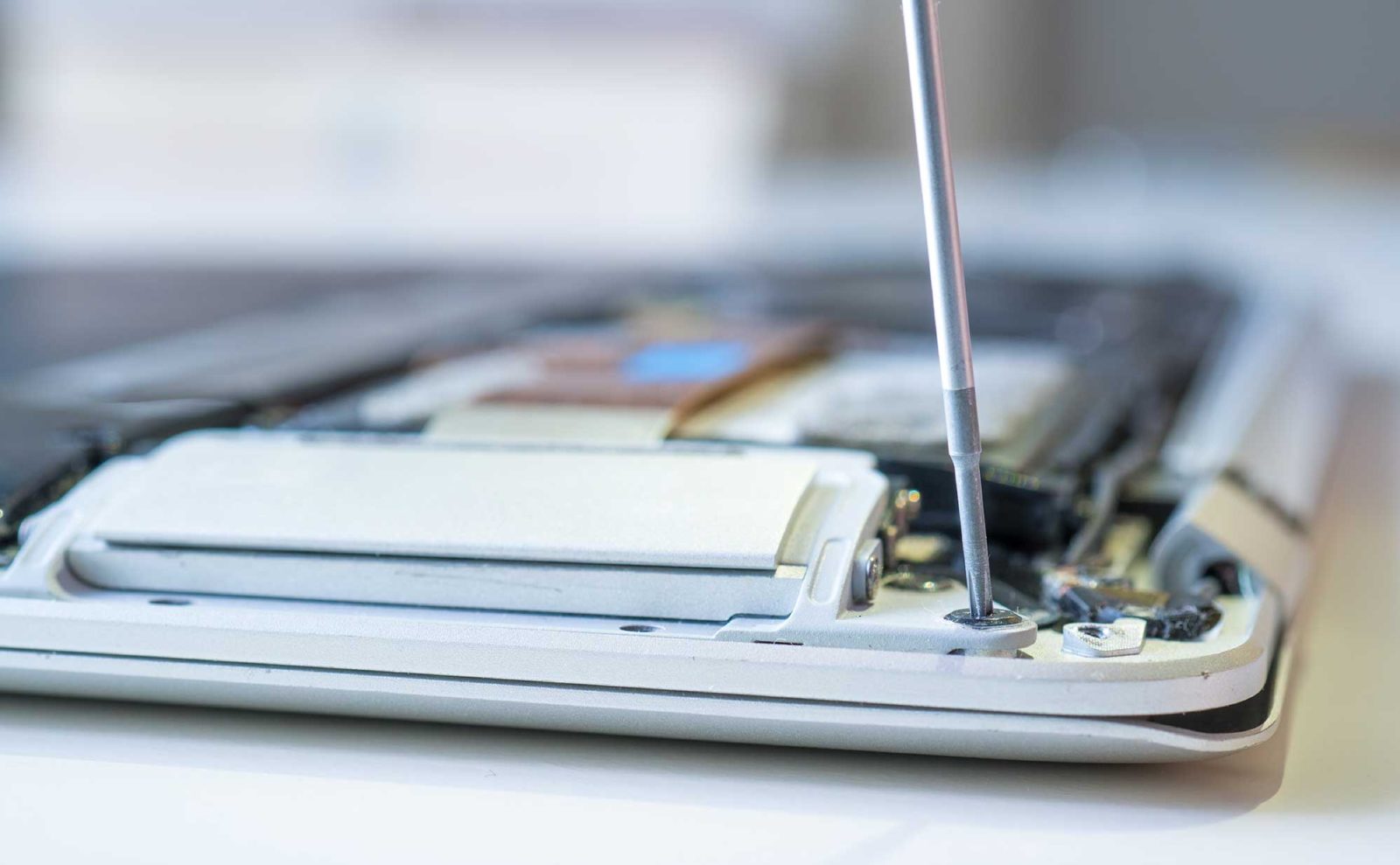
For compatible older models, additional memory or solid-state storage may improve the experience. A technician can help determine what is actually possible for your specific machine.
Common reasons to reach out
- Long startup times
- Slow applications
- Limited storage space
- Considering replacement versus repair
How to get started
- Identify your Mac model and year
- Review practical hardware/software options
- Confirm feasibility and data-preservation plan
Questions customers ask
Can every Mac get more RAM?
No. Upgrade eligibility depends on the exact model. Many newer Macs have memory integrated into the system.
We're here to help
Not sure what your Mac needs?
Describe the issue to the MacMechanic team. They can help you choose the next step.