
Important files
Mac Data Recovery
If your files are suddenly inaccessible, get informed help before taking unnecessary risks.
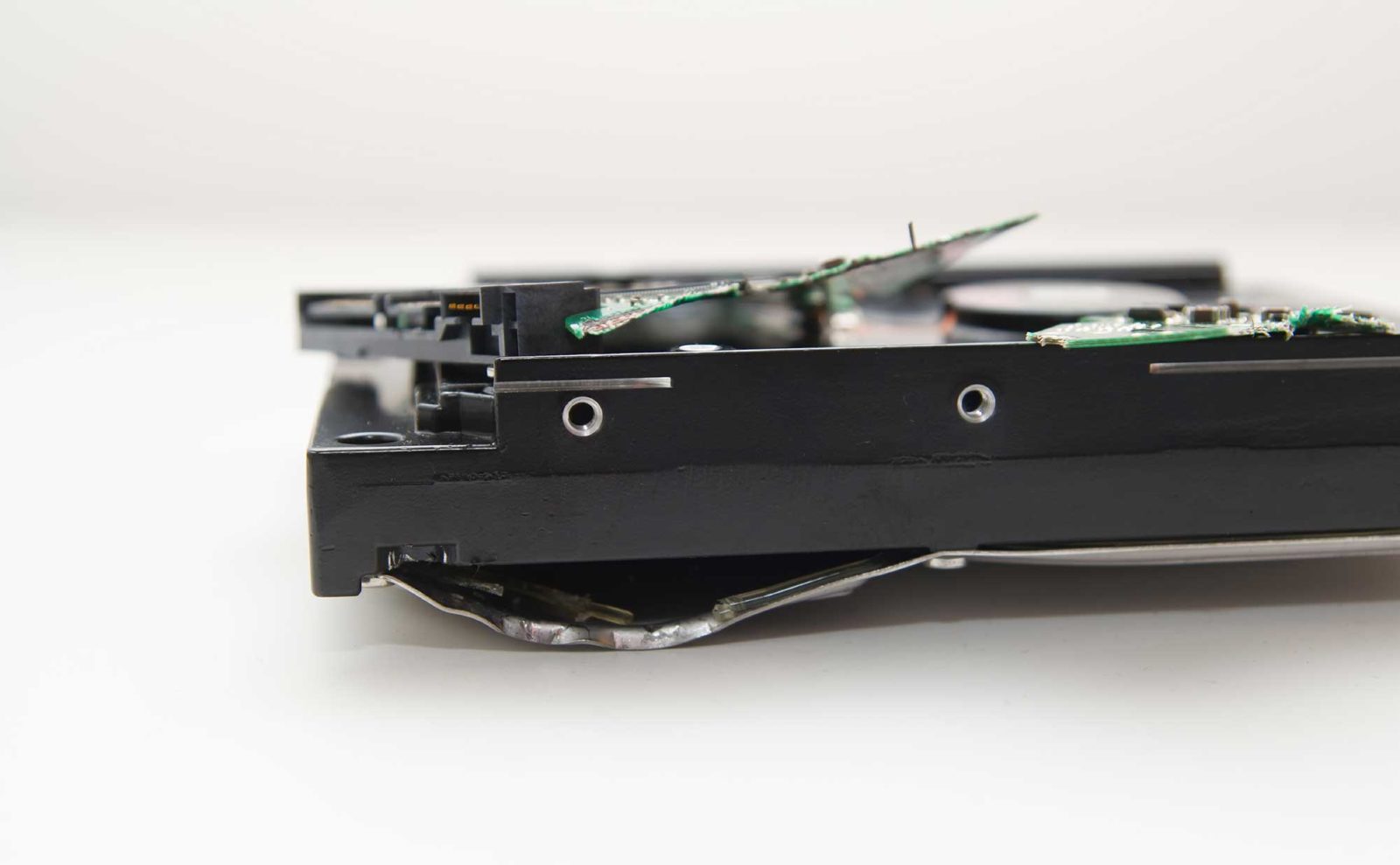
MacMechanic advertises dedicated data recovery equipment and experience assisting customers with drives and computers that have stopped working.
Common reasons to reach out
- Drive not mounting
- Mac not starting with important files inside
- Accidental deletion or data loss
- Damaged computer or storage device
How to get started
- Stop activities that could overwrite or damage data
- Contact the shop with a short description
- Ask about diagnostic options and recovery limits
Questions customers ask
Can you guarantee my files can be recovered?
No responsible service can guarantee recovery before evaluating the failure and media condition.
We're here to help
Not sure what your Mac needs?
Describe the issue to the MacMechanic team. They can help you choose the next step.